Skip to Main Content
Library Logo WOU Home Library Home
Search the library catalog (Primo)
Search WOU Digital Collections
Alma (Library Staff)

Requesting a Study Room: Conference Rooms

Learn the basics of how to put in a reservation request for a study or conference room.

General Guidelines

  • Conference rooms can be reserved for a maximum of 4 total hours per day. Longer reservations may be available based on need.
  • Reservations need to be made at least 1 day in advance.
  • Student group reservations may only be made for the current term. Staff and campus unit meetings may be scheduled through the academic year.
  • Non-reserved spaces are usable on a first-come, first-served basis.
  • See our step-by-step guide for making a reservation request here: https://research.wou.edu/studyroom

Cables and Room accesories

The Checkout Desk has various cables and accessories for your large group meeting needs:
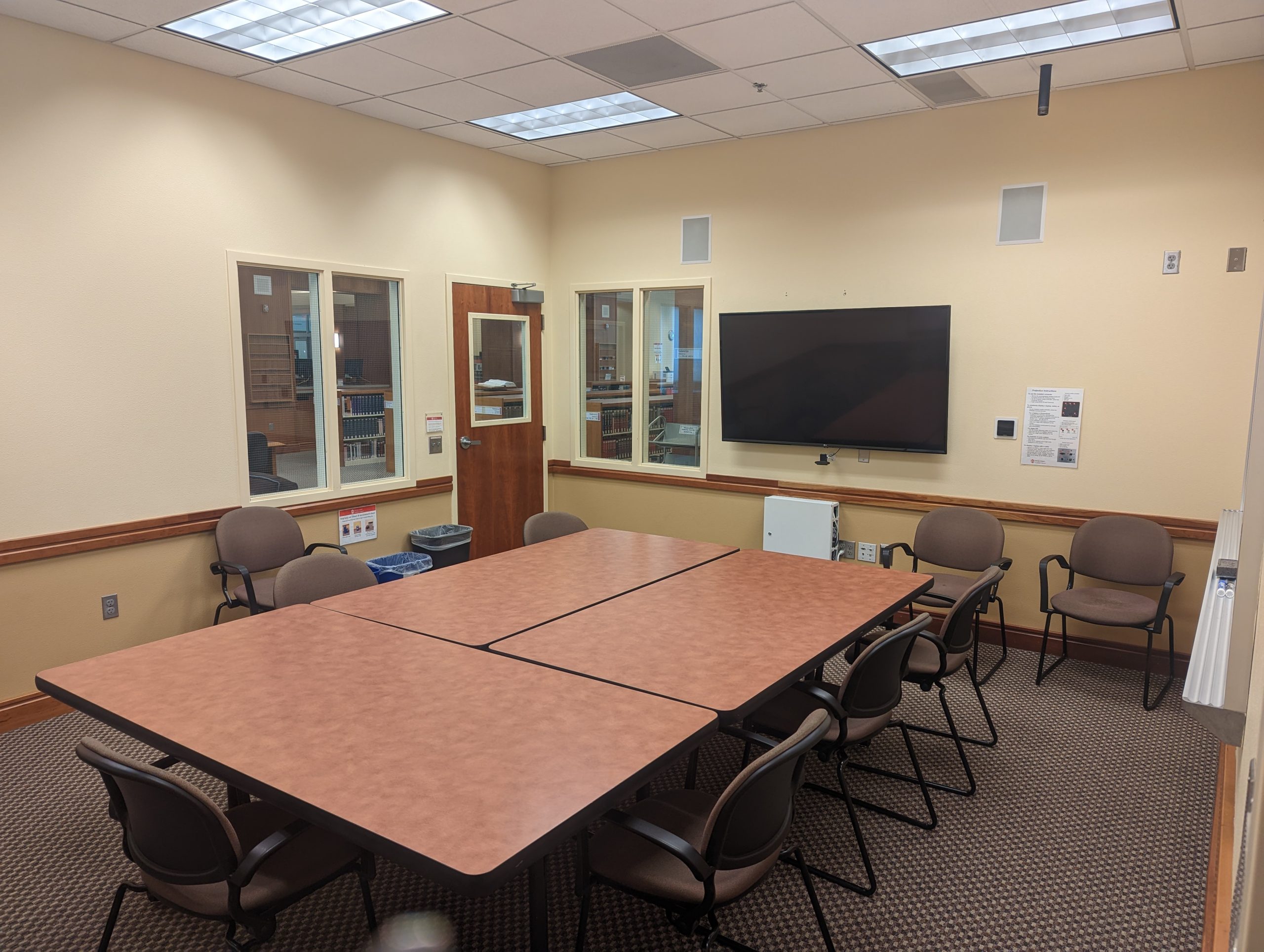
HL 116

Room Features:

  • Seats: 10
  • Smart-Capable Creston Console
  • Large-screen TV
  • Integrated Dell Desktop (mouse/keyboard available at Checkout Desk)
  • Webcam & External Speakers
  • Physical A/V Hookups (HDMI, VGA, RCA)
  • Wireless Air Display
  • Two Fixed Whiteboards
  • Electrical Outlets
  • Wi-Fi

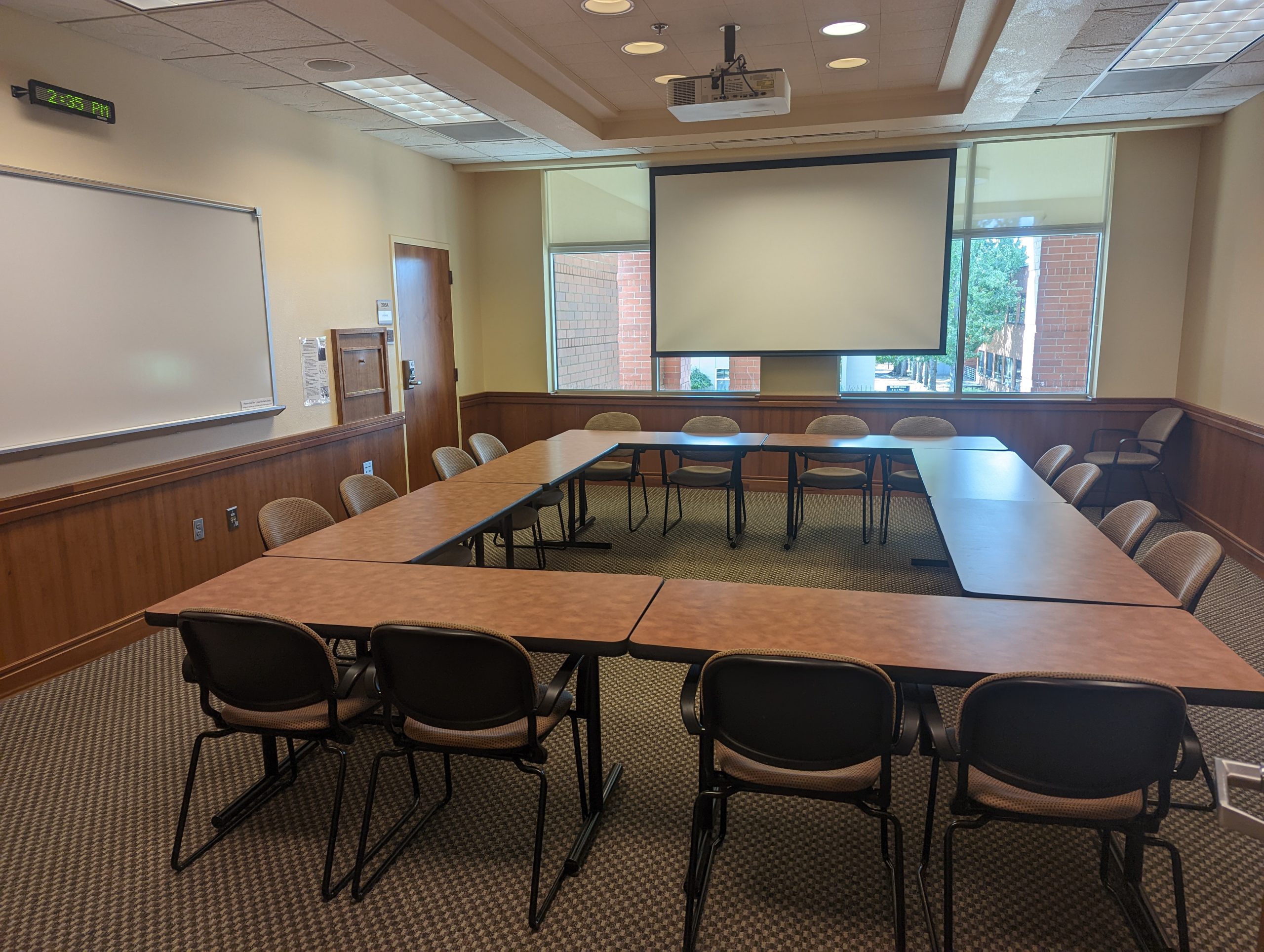
HL 205

Room Features:

  • Seats: 16
  • Smart-Capable Creston Console
  • Physical A/V Hookups (HDMI, VGA, RCA)
  • Wireless Air Display
  • DVD/Blu-Ray Player
  • Fixed Whiteboard
  • Electrical Outlets
  • Wi-Fi
  • Food/Drink Catering OK

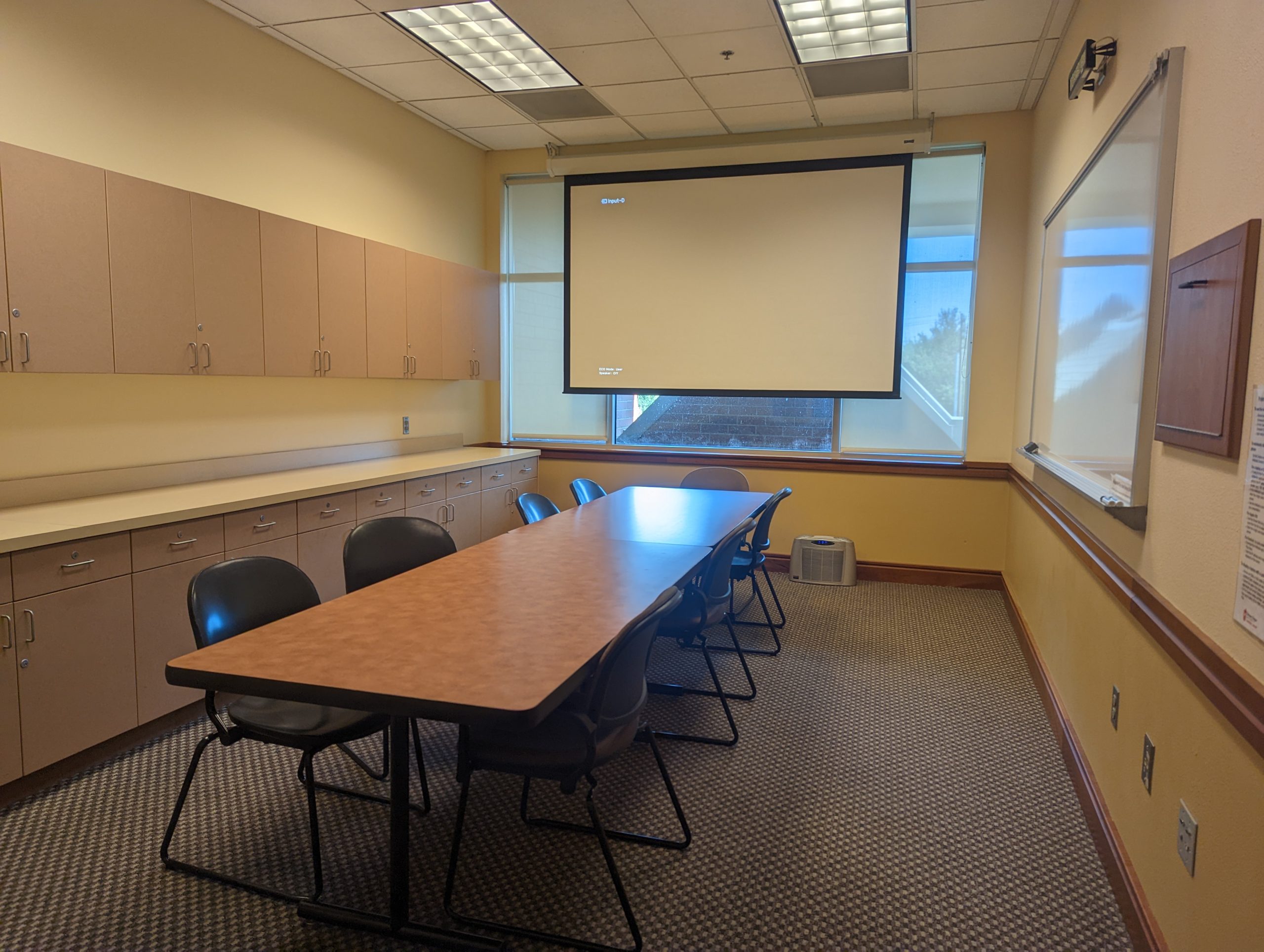
HL 210

Room Features:

  • Seats: 8
  • Smart-Capable Creston Console
  • Physical A/V Hookups (HDMI, VGA, RCA)
  • Wireless Air Display
  • DVD/Blu-Ray Player
  • Fixed Whiteboard
  • Electrical Outlets
  • Wi-Fi

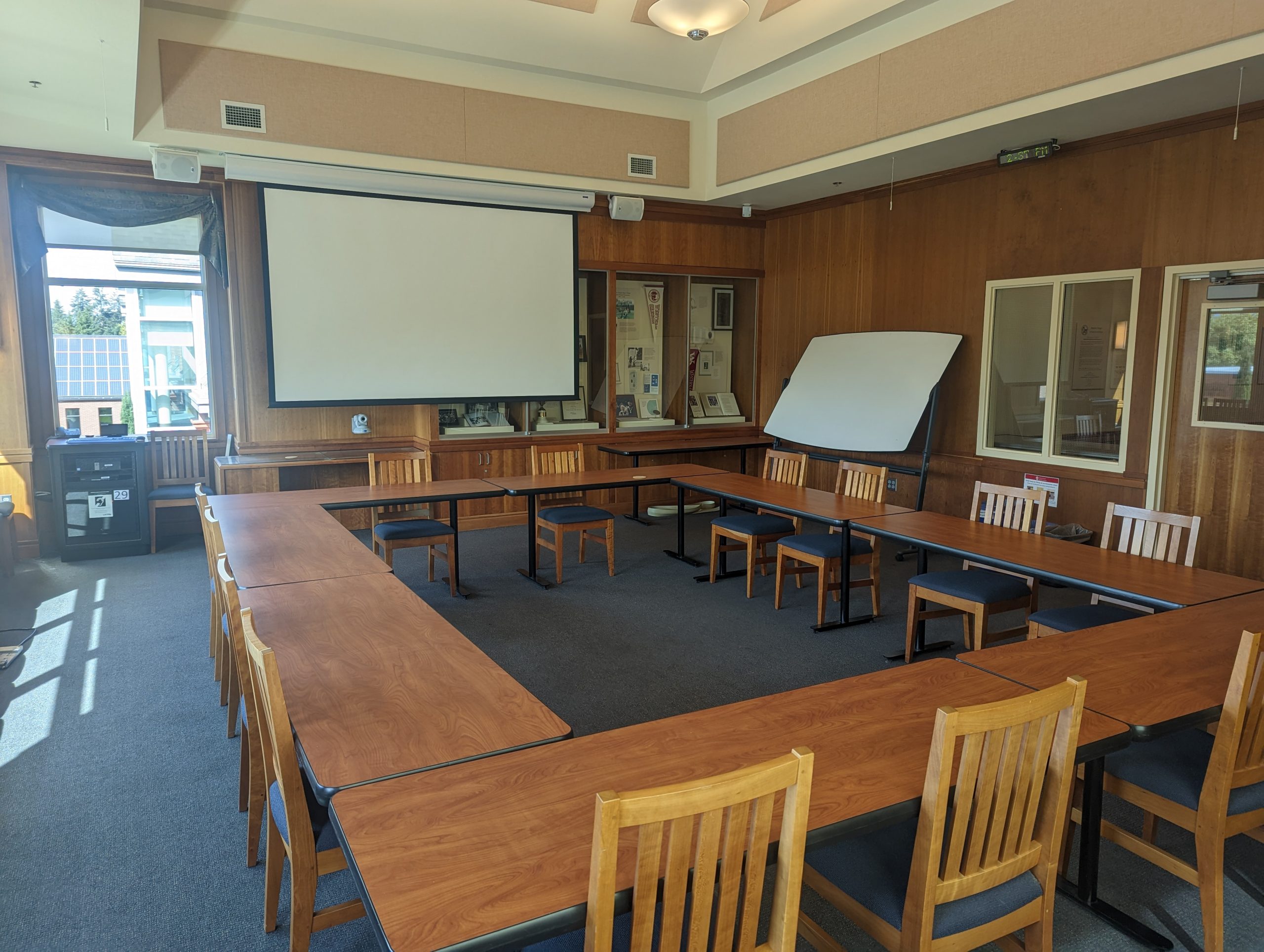
HL 301A

Room Features:

  • Seats: 24
  • Smart-Capable Creston Console
  • Video Camera, Overhead Mics & External Speakers
  • Physical A/V Hookups (HDMI, VGA, RCA)
  • Wireless Air Display
  • Mobile Whiteboard
  • Electrical Outlets
  • Wi-Fi

Note: Reservations for this room are made with the President’s Office. For inquires please contact 503-838-8888

Click to chat with WOUAsk WOU Library